 Escalator Field Guide
 Elevator Field Guide
 Vertical Transportation Field Guide
Escalator Field Command
The route book for escalator mechanics. Every unit on your route, its Cat 1 tests, your hours and your manuals, on your phone, and your records open with no signal in a pit.


Free to download. New Pro subscribers on the App Store get the first month free.
Made for the way a route actually runs
Built by a working escalator mechanic around what a route needs written down, and what the office keeps asking for.
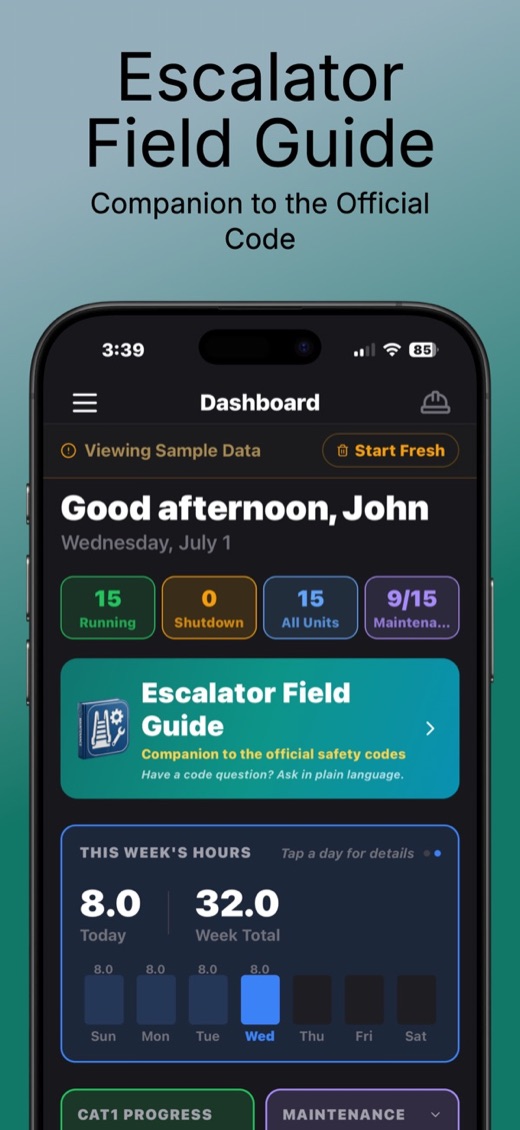
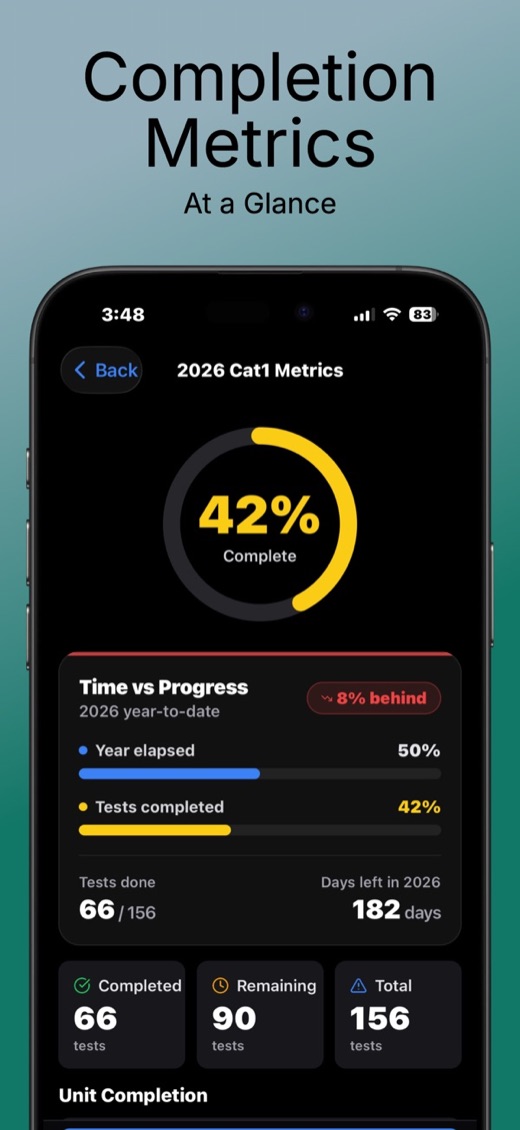
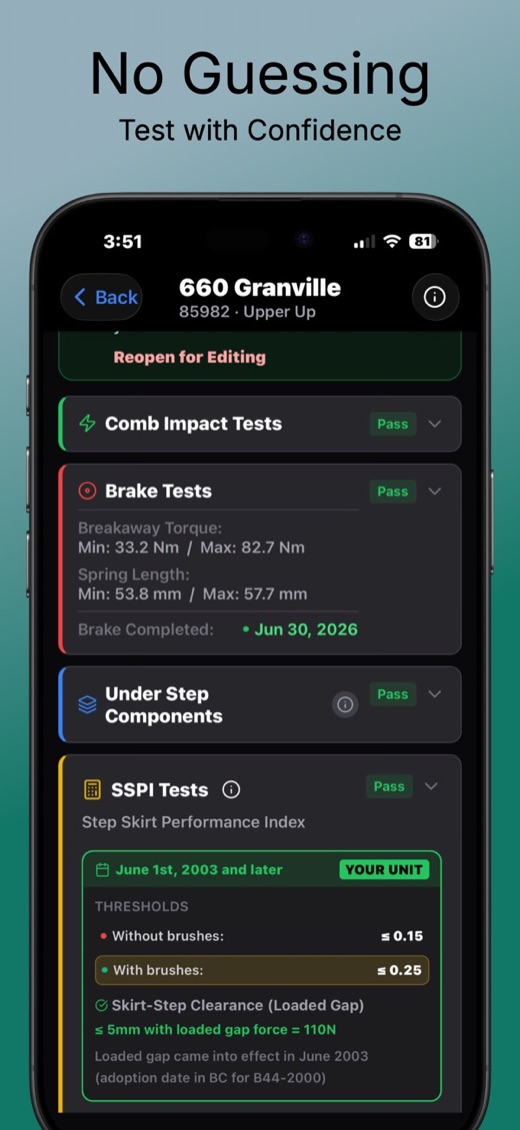
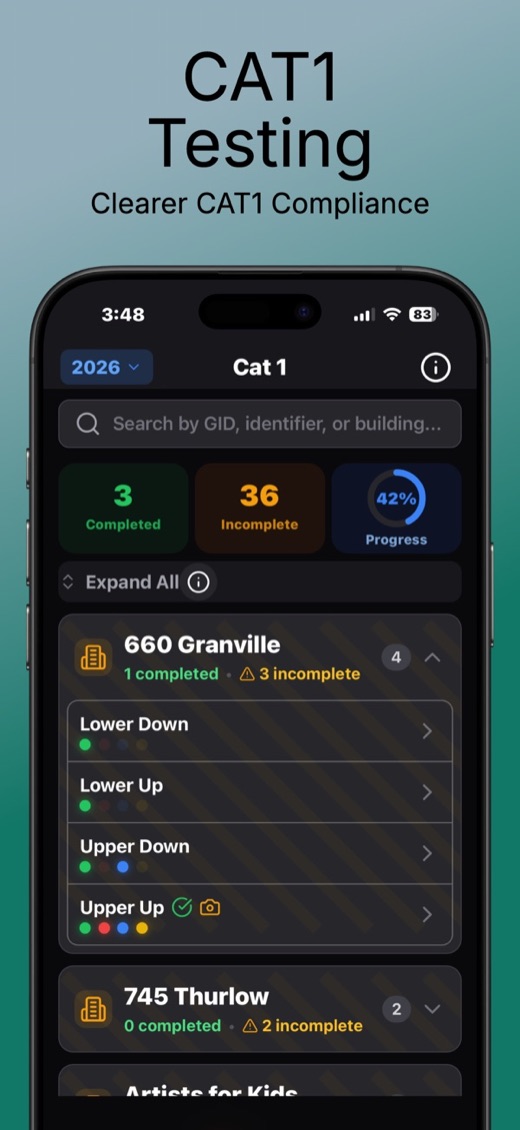
Swipe for more screens
One app instead of a binder, a notebook and a spreadsheet
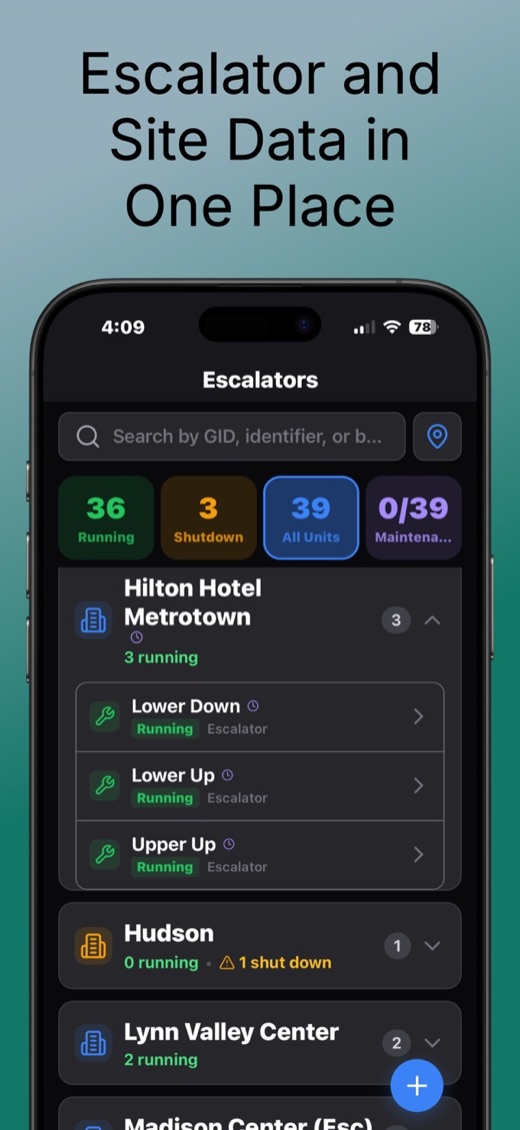
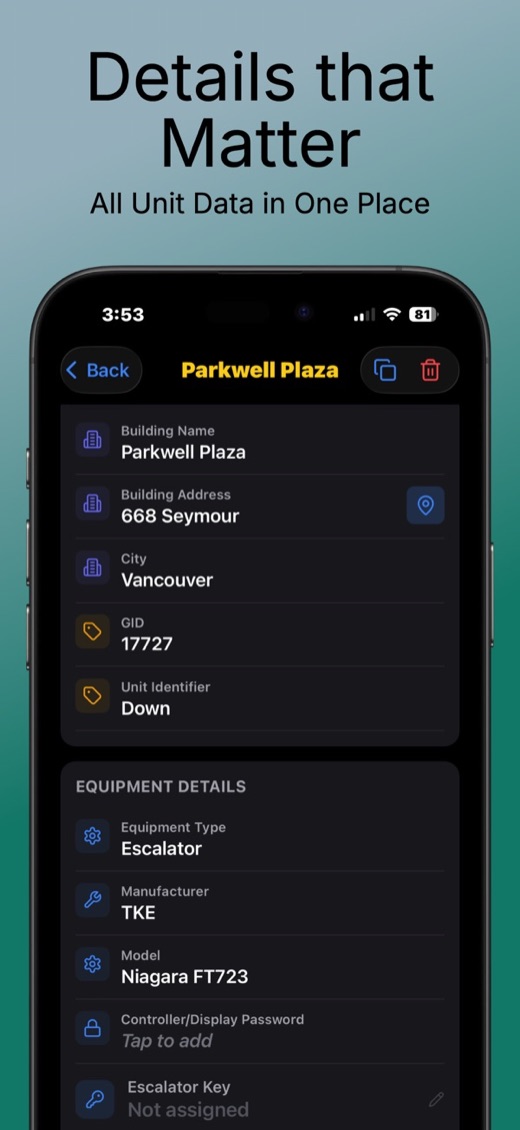
Your whole route
Every escalator with its unit details, service history and notes. Always offline, so it opens in a pit with no bars.
Cat 1 testing
Four colour-coded sections per unit, so you can see what is done and what is left. Put a unit on hold when it is out for the year, and share a completion report.
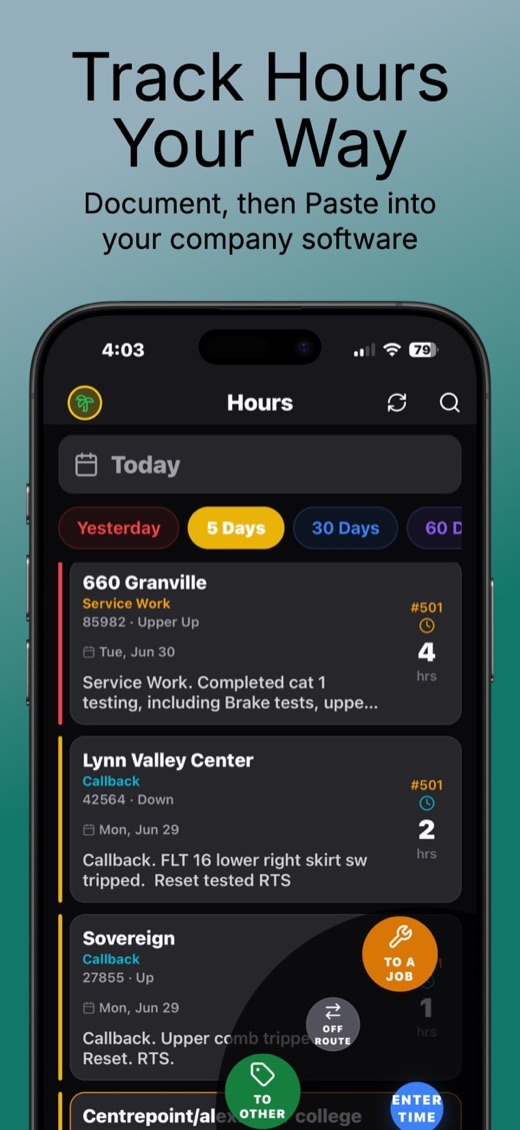
Hours and timesheets
Log maintenance, repairs, travel and training. Copy a whole day as text for your company’s system, or send it as a PDF with parking, expenses and a photo of each receipt.
PDF reports
The State of the Union, a route-wide snapshot of where every unit stands, plus your own reports for a building with photos. In BC, fill in the Technical Safety BC Escalator Data Sheet Checklist on site.
Manuals on the phone
Upload manuals, drawings and test reports. Search inside a PDF for a part number and jump straight to the page.
A morning notice
Before you set off, the app tells you what is due. Recurring jobs like a safety meeting or an annual recertification wait across the top of the dashboard on the day.
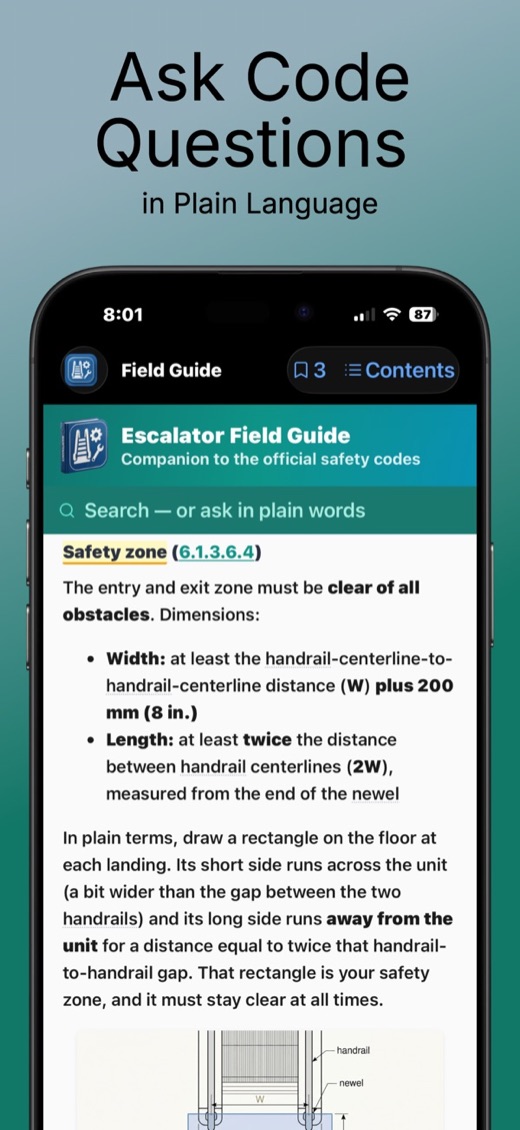
The Escalator Field Guide is built in
Pro includes the guide. Ask a code question the way you would ask a senior mechanic, typed or spoken, and get a sourced answer from A17.1 / CSA B44. See the guide on its own
Your records stay on your phone
There is no account to make and nothing to sign in to. Your units, tests, hours and photos are saved on the phone itself.
- No sign-up, no email address, no password
- A backup saved on the phone every day
- iCloud Backup only if you turn it on (iPhone and iPad), and it goes to your own iCloud Drive
- One export file moves everything to a new phone or a coworker
The few things that do leave the phone
- Crash reports, so bugs get fixed. Technical details only.
- Anonymous counts of which screens get used. No names, no route details.
- A subscription check through Apple or Google, to know if you have Pro.
- Questions you ask the Field Guide, to fetch the answer.
No ads, no tracking across other apps, nothing sold.
Free to start, Pro when your route outgrows it
Free
Keep up to three of your own escalators, for as long as you like.
Pro
Unlimited escalators, all features and the Escalator Field Guide. New subscribers on the App Store get the first month free.
Payment is charged to your Apple ID or Google account. Subscriptions renew automatically unless turned off at least 24 hours before the end of the current period. Privacy Policy · Terms of Use
Something not working?
Email us
Questions, bugs, ideas for the app.
Artificial.Igknorance@gmail.com
Got a new phone?
Open Settings, then Manage Subscription, then Restore Purchases. Pro comes back at no charge.
Cancel a subscription
On iPhone: Settings, your name, Subscriptions. On Android: the Play Store, your profile, Payments & subscriptions.